How to Use AI to Write PRDs 10x Faster

Writing a PRD is one of the most time-consuming things a product manager does. It's also one of the most pattern-heavy — the structure barely changes from doc to doc. That's exactly why AI is so well-suited to it.
This guide is about how to use an AI PRD generator to produce a high-quality first draft in a fraction of the time — without ending up with a generic document that nobody trusts.
Why Most AI PRDs Fall Flat
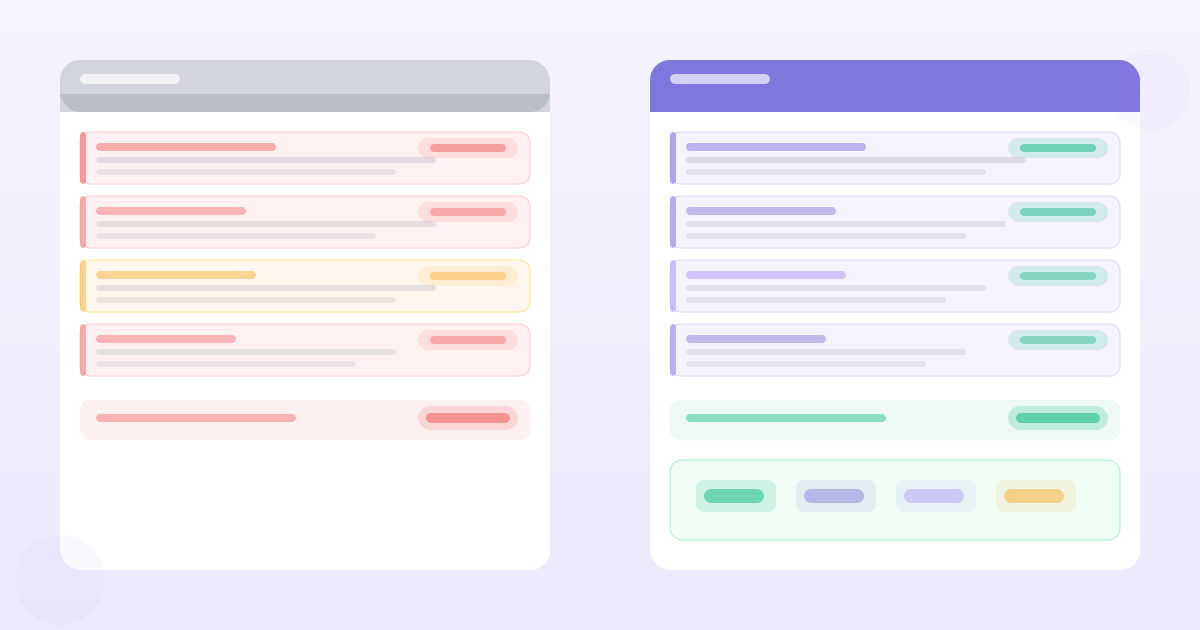
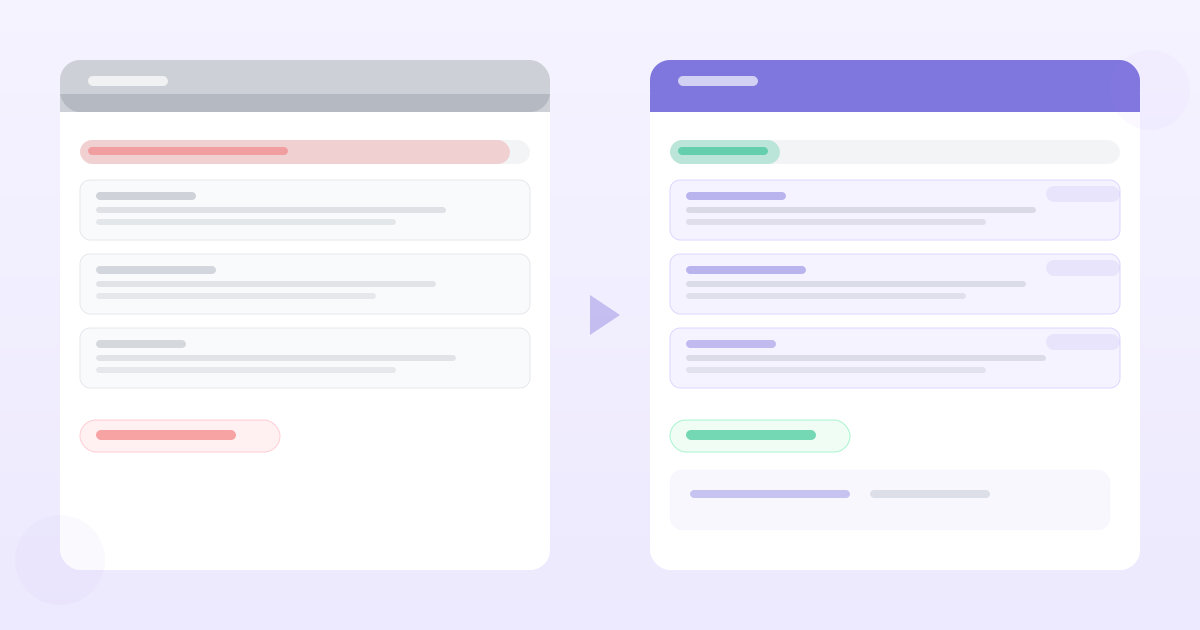
The default experience with AI PRD writing looks like this: you paste your problem statement into ChatGPT, ask for a PRD, and get back a document that technically has all the right sections but feels like it was written for a hypothetical product by someone who's never talked to your customers.
The output is structurally correct and substantively useless.
The reason is context starvation. A general-purpose LLM doesn't know your customers, your evidence, your constraints, or your team's history with a problem. It fills the gaps with plausible-sounding filler. Every "user need" is generic. Every "success metric" is vague.
The fix is evidence injection — making sure your AI PRD generator has access to your actual research before it writes a single word.
The Right Inputs for AI PRD Generation
A good AI PRD generator needs three types of input:
1. Customer evidence
Raw transcripts, interview notes, survey responses, support tickets, Slack threads — anything that captures what users actually said. The more specific the better. "Users want faster search" is useless. A verbatim quote with context is valuable.
2. Problem framing
A one-paragraph description of the problem you're solving and for whom. This anchors the AI so it doesn't drift into solving adjacent problems.
3. Constraints
What's out of scope. What the engineering team has flagged. What the product strategy says you're not doing this quarter. Constraints shape requirements as much as customer needs do.
With these three inputs, an AI PRD generator can produce a first draft worth editing. Without them, it produces a first draft worth deleting.
The PRD Sections Where AI Adds Most Value
Not all sections benefit equally from AI assistance.
High leverage
Background and problem statement — AI is excellent at synthesising a crisp problem statement from messy research inputs. Give it five interview snippets and it will identify the common thread better than staring at your notes for 20 minutes.
User stories and requirements — Once you have the problem framed, AI generates user stories consistently and quickly. It's good at catching the "as a [user type] I want [action] so that [outcome]" format and generating edge cases you'd have missed.
Acceptance criteria — Pattern-heavy, detail-oriented, tedious to write. AI handles these well once the requirements are specified.
Low leverage
Success metrics — AI will suggest generic metrics (DAU, conversion rate, NPS). Your actual metrics depend on your business model, your current baseline, and what your team has agreed to measure. Write these yourself.
Prioritisation — AI doesn't know your team's capacity, your technical debt, or your company's strategic bets. Don't outsource the trade-off calls.
Open questions — These come from knowing what you don't know yet. AI will invent open questions that sound plausible. Write your own.
A Workflow That Actually Works
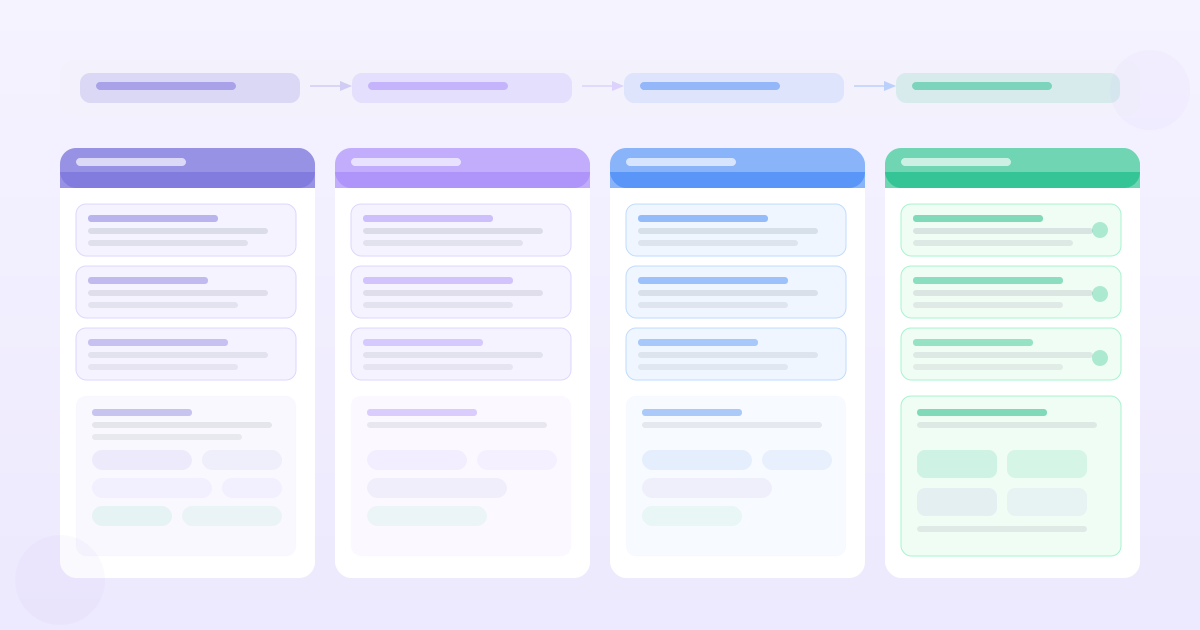
Step 1: Collect evidence before you open the AI tool
Before you touch any AI PRD generator, gather your inputs:
- Pull 5–10 relevant customer quotes from your research
- Write two sentences on the problem you're solving
- Note two or three things that are explicitly out of scope
This takes 15 minutes. It makes the difference between a PRD worth using and one that looks good but has no soul.
Step 2: Let the AI generate the structure and first-pass content
Paste your evidence and framing. Let the AI generate the full document. Don't interrupt. Don't iterate mid-generation.
Step 3: Edit for truth, not polish
Your first editing pass should answer one question for each section: "Is this accurate?" Not "does it sound good?" Accurate to your actual research, your actual constraints, your actual team.
Delete the filler. Replace the generic with the specific. Add the open questions the AI didn't know to ask.
Step 4: Add the judgement calls
Metrics, prioritisation, escalation paths — these go in after the AI pass, written by you.
Step 5: Link requirements back to evidence
The final step is the one most teams skip. For every major requirement, there should be a "why": a customer quote, a support ticket volume, a research finding. This is what makes a PRD trustworthy rather than just comprehensive.
Tools like PMRead do this automatically — every generated requirement links back to the customer evidence that produced it. If you're using a general-purpose LLM, you'll need to add these links manually.
The Time Maths
A well-structured PRD for a medium-complexity feature typically takes 4–8 hours to write from scratch. With a good AI PRD workflow:
- Evidence collection: 15–30 minutes (you should be doing this anyway)
- AI generation: 2–5 minutes
- Editing pass: 45–90 minutes
- Metrics and judgement calls: 30 minutes
Total: roughly 90 minutes to 2.5 hours for a first-draft-ready document.
That's not 10x faster in every case. But it's consistently 3–4x faster, and the output is more consistent — especially for sections like acceptance criteria and edge case handling where AI is reliably thorough.
What to Watch Out For
Hallucinated specifics — AI will invent specific statistics, user counts, and technical details. Treat all numbers as placeholders until you verify them.
Confident vagueness — AI is very good at writing sentences that sound specific but aren't. "Users will be able to efficiently complete their primary workflow" means nothing. Read every line with a sceptical eye.
Missing constraints — AI doesn't know what you can't build. Review the requirements section specifically for things that would be technically impossible or strategically out of bounds.
AI doesn't replace the judgment that goes into a good PRD. It removes the mechanical work — the first draft, the structure, the coverage of edge cases. That frees you to spend your limited time on the parts that require you: the evidence, the trade-offs, and the strategic framing.
Want PRDs grounded in your actual customer data?
PMRead ingests your interviews, Slack threads, and feedback files — and generates PRDs backed by real evidence, not guesses.
Try PMRead free →