How to Train Your Team to Use AI Tools for Product Work

Getting your product team to adopt AI tools is harder than getting good AI output yourself. The skill is partially transferable, but most people need guided practice — not just a tool recommendation and a link to a YouTube tutorial.
This guide is about the practical side of team adoption: how to run training that actually changes behaviour, what infrastructure makes AI tools stickier, and how to avoid the most common adoption failures.
Why Teams Don't Adopt AI Tools
Understanding the failure modes makes it easier to design around them.
"I tried it once and it wasn't useful." AI tools require a specific kind of prompting skill. A first attempt without guidance often produces generic output. If that's the only experience someone has, they conclude the tool isn't useful and stop trying.
No clear entry point. "You should use AI more" is not an instruction. Without knowing where in their workflow to start, people don't start. The question "what should I use it for?" doesn't have a clear enough answer.
Fear of looking dumb. There's social awkwardness around using AI in front of colleagues — will it look like you don't know what you're doing? Will the output embarrass you? This is rarely articulated but often present.
It adds friction before it reduces it. The first few weeks of any new tool workflow are slower than the old one. People often give up during this period rather than pushing through to the productivity gain.
Different team members have different risk tolerance. Some PMs want to experiment; others wait until something is proven. Adoption strategies that work for early adopters often don't work for the rest of the team.
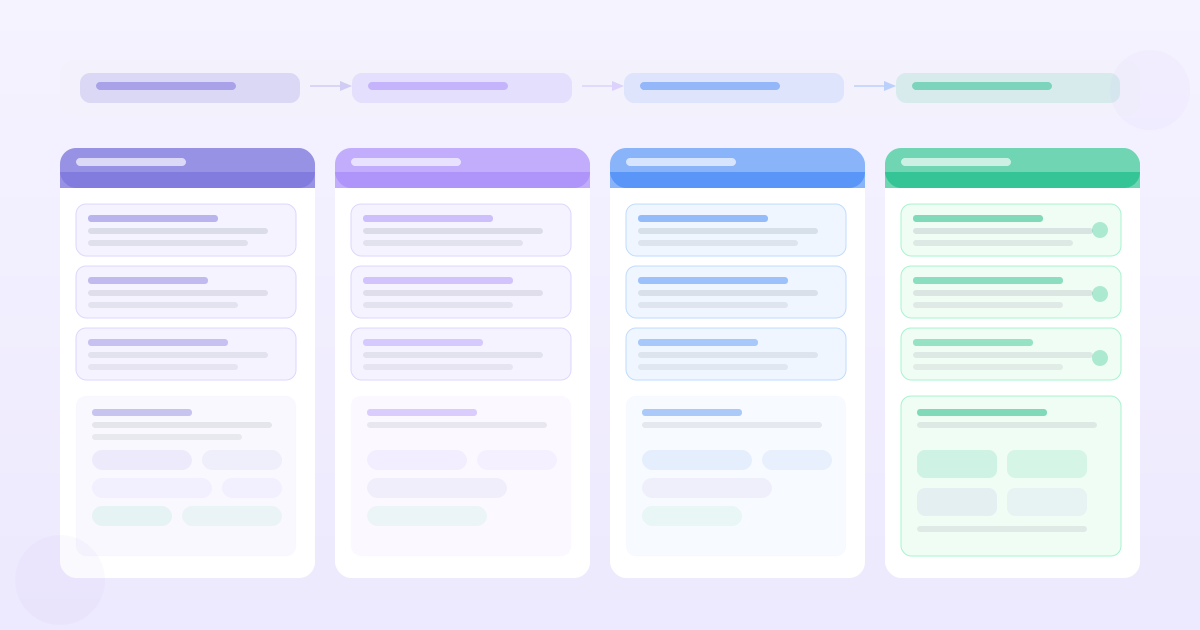
The Four-Week Adoption Framework
This is a structured approach to building team AI habits, not a one-time training event.
Week 1: Demonstrate with real work
Don't start with a workshop about what AI can do. Start by doing it, live, with one of your team's real current problems.
In a 60-minute session:
- 1Pick a real task from the current sprint: a PRD that needs writing, a batch of feedback that needs synthesis, a user story that needs acceptance criteria.
- 2Run the task using AI, thinking out loud as you go: what context you're providing, why you're structuring the prompt this way, what you're checking for in the output.
- 3Edit the output together as a group, talking through what's accurate, what's generic, and what's missing.
This does two things: it shows what "good AI output for our work" looks like, and it makes the editing and judgment step visible — which is often what people don't realise they need to do.
Week 2: Guided practice with a shared task
Assign the same task to three or four team members to complete with AI assistance. Have them bring their outputs to a 45-minute review session.
Compare the outputs. The differences will be instructive:
- Different prompting approaches will produce meaningfully different outputs
- Some outputs will be more useful than others
- Team members will learn from each other's approaches
This session usually produces the best prompting insights: "I didn't include any customer evidence in my prompt" or "I asked for five user stories when we only needed two."
Week 3: Build the shared prompt library
By this point, team members have tried their own approaches and seen each other's. Have everyone contribute their best-performing prompts to a shared library.
Structure the library by task type: feedback synthesis, PRD first draft, user story generation, acceptance criteria, stakeholder update. For each, include the prompt, an example output, and notes on what to adjust for different contexts.
The shared prompt library is the infrastructure that makes adoption durable. New team members start with tested prompts rather than figuring it out from scratch.
Week 4: Set norms
Agree on team norms around AI use:
- Which tasks should always use AI as a starting point?
- What's the minimum review process before sharing AI-assisted work externally?
- How do we attribute AI-assisted work in documents? (This matters more in some contexts than others.)
- What do we do when AI output is confidently wrong?
Norms reduce the social friction around AI use. "We always use AI for PRD first drafts and review before sharing" gives everyone permission and removes the ambiguity about when it's appropriate.
What Infrastructure Makes AI Adoption Sticky
Shared prompt library (most important)
We've covered this. Build it in a shared Notion page, a Google Doc, or wherever your team already works. Keep it current as prompts get refined.
PRD / document templates with AI instructions embedded
Create your standard PRD template with AI prompting guidance built in: "For this section, paste your customer quotes here and use [standard prompt] to generate a first draft." This removes the friction of remembering what to do at each step.
A "before you write" ritual
Create a team norm that before starting any significant document, you spend 5–10 minutes gathering inputs for AI: the relevant customer quotes, the problem framing, the constraints. This front-loads the work that makes AI output useful and makes the resulting documents more consistently evidence-grounded.
Feedback loops
After each sprint review or roadmap cycle, spend 10 minutes on: what AI-assisted work did we do? Where was it helpful? Where did it fail? This keeps the team's prompting skills current and surfaces new use cases.
Training for Different PM Profiles
Teams are not homogeneous. Two adjustments matter:
For AI-skeptical PMs: Focus the training on a specific, bounded task where the output quality is easy to evaluate. Feedback synthesis is often good for this — the input (raw text) and the output (themes + quotes) are both visible, and it's easy to verify that the AI found things the PM would have found manually. Demonstrable quality on a small task builds trust for larger ones.
For AI-enthusiastic PMs: The risk here is the opposite — using AI for everything, including tasks where it produces poor output. Training for enthusiasts should focus on AI's failure modes: when to not trust the output, what requires verification, and how to maintain the quality bar.
For junior PMs: AI tools can accelerate learning, but they can also mask skill gaps. A junior PM who uses AI to write PRDs without understanding what makes a good PRD is borrowing the form without building the judgment. Pair AI tool training with explicit mentoring on the underlying PM skill.
The Honest Timeline
Getting a team from "occasional AI use" to "AI-assisted as default for specific workflows" takes 6–8 weeks of intentional effort. The most common mistake is declaring success after the training events and not following through on the infrastructure and norms.
The teams that get durable adoption do three things differently:
- 1They designate someone to maintain the prompt library and run the periodic feedback sessions
- 2They embed AI use in existing rituals (retrospectives, sprint planning, PRD reviews) rather than making it a separate activity
- 3They celebrate specific examples where AI use improved a work product, building a positive norm rather than a compliance mindset
AI adoption is a change management problem, not a training problem. The tool is only as useful as the habits built around it. Invest in the infrastructure and the norms; the productivity gains follow.
Want PRDs grounded in your actual customer data?
PMRead ingests your interviews, Slack threads, and feedback files — and generates PRDs backed by real evidence, not guesses.
Try PMRead free →