Automating Customer Feedback Analysis With AI

The feedback problem every PM has is the same: too much of it, not enough time to process it, and requirements that end up written from memory and gut feel rather than actual data.
A PM at a mid-sized SaaS company might collect 200 survey responses per quarter, 50 support tickets per week, and interview notes from 8–10 user conversations per month. Manually reading, coding, and synthesising all of that is a full-time job that sits on top of an already full-time job.
AI changes the economics. This guide explains how to actually automate customer feedback analysis — and what to watch out for so you don't end up with structured outputs of garbage.
What "Automated Feedback Analysis" Actually Means
Before getting into tools and workflows, it's worth being precise. When people say they want to automate feedback analysis, they usually mean one or more of these things:
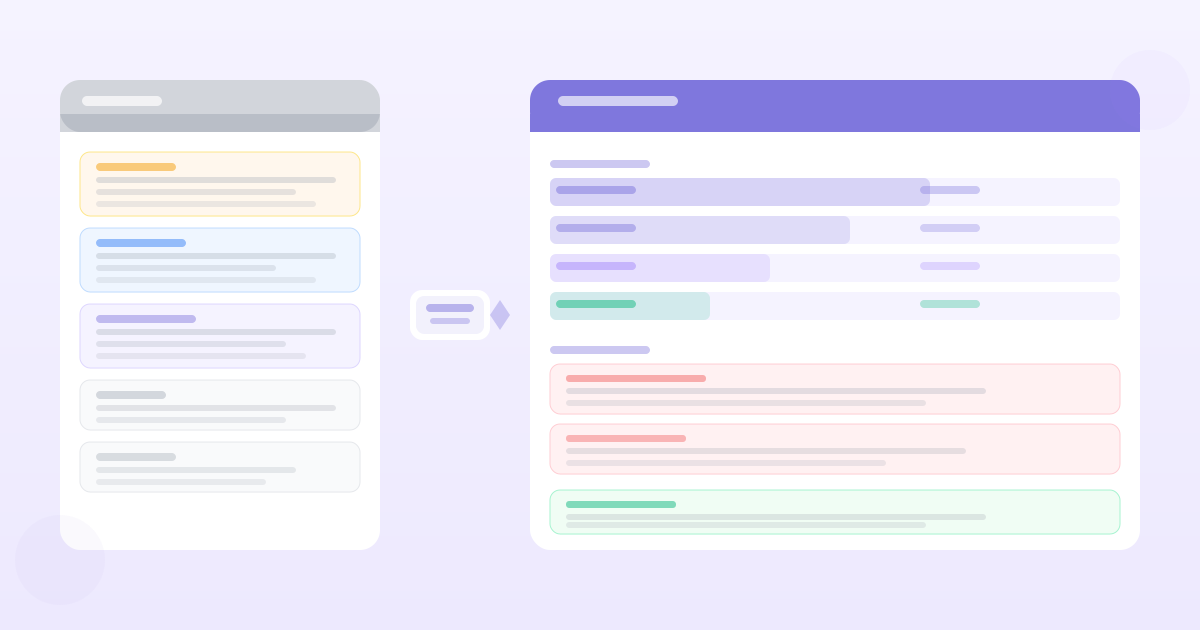
Thematic coding — Identifying which topics appear in feedback (search, performance, pricing, onboarding) and how frequently each topic appears.
Sentiment classification — Is a given piece of feedback positive, negative, or mixed? This is the bluntest instrument but useful for triage.
Pain point extraction — More specific than themes: pulling out concrete friction points users describe ("takes 3 clicks to get to X", "error message doesn't tell me what went wrong").
Feature request identification — Separating feedback that expresses a desire for something new from feedback about existing functionality.
Urgency and severity scoring — Prioritising which problems to look at first based on how many people mention them and how much distress they express.
AI tools can handle all five of these at scale. The key is setting up the right workflow so the input is clean and the output is actionable.
The Input Problem: Why Most Automated Analysis Fails
The biggest predictor of analysis quality isn't the tool — it's the quality and format of the input data.
Common input problems:
Mixed sources without segmentation — If you dump enterprise customer feedback and free-tier user feedback into the same analysis pass, the themes you get back will be a blended muddle that applies to neither group specifically. Segment first.
Unclear question design — Open-ended survey questions that are too vague produce vague themes. "What do you think of our product?" generates noise. "What made you choose not to use feature X last month?" generates signal.
Irrelevant data included — Support tickets about billing issues, login problems, and feature requests are fundamentally different signal types. Running them through the same analysis produces confused output.
No metadata attached — Feedback without context (who said it, when, which plan they're on, which product area they were using) limits how much you can slice the results.
Before automating analysis, clean your inputs. Segment by user type, time period, and feedback source. Remove off-topic content. Ensure you're analysing the type of feedback that answers your current product questions.
Tools and Approaches
Purpose-built feedback analysis tools
PMRead's feedback analyzer is designed specifically for PMs doing research synthesis. Paste raw feedback — survey responses, interview notes, support tickets — and it extracts themes, pain points, feature requests, and sentiment in a structured format. The output maps back to specific quotes, so you can trace any finding to its source.
Dovetail is the research repository standard for teams doing systematic user research. Strong at tagging across studies, identifying patterns across multiple rounds of interviews, and building a searchable evidence base over time.
Notably and UserTesting have analysis features built into their research platforms. Good for teams that generate feedback within those platforms, less useful for aggregating from external sources.
General-purpose AI (ChatGPT, Claude)
For ad hoc analysis on a batch of responses, pasting into a general LLM with a specific prompt works well. The prompt matters:
I have [number] customer survey responses about [topic].
Please identify:
1. The top 5 themes that appear most frequently
2. The most common pain points (concrete friction)
3. Any explicit feature requests
4. Overall sentiment breakdown

For each finding, include a representative quote from the data.

Here are the responses:
[paste responses]
The limitation: no memory between sessions, no traceability to original sources if you have more than what fits in the context window, and no way to aggregate across multiple analysis passes over time.
Spreadsheet + AI hybrid
For teams with moderate feedback volume, a common workflow is:
- 1Export feedback to a spreadsheet (Airtable or Google Sheets)
- 2Use Claude or GPT to classify each row into a theme and sentiment
- 3Use spreadsheet pivot tables to count and sort by theme
This gives you structured data you can slice and filter without a specialised tool. The tradeoff: more manual setup, more fragile as volume grows.
A Practical Workflow
Here's a workflow that works for a monthly feedback review:
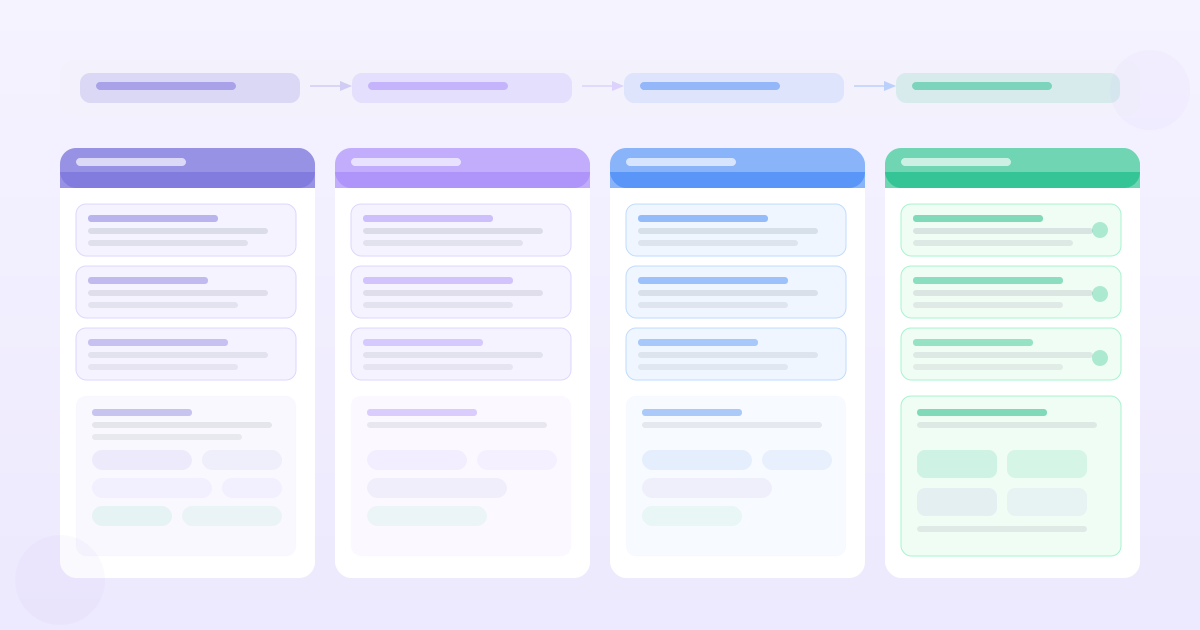
Week 1: Collection and segmentation
- Pull support tickets from your helpdesk tool (tag by category if not already done)
- Export NPS responses from your survey tool
- Consolidate interview notes from the month's user sessions
- Segment by user persona or plan tier before analysis
Week 2: AI analysis pass
- Run each segment through your feedback analysis tool
- For each segment, extract: top themes, pain points, feature requests
- Flag low-frequency but high-severity issues for separate review
Week 3: Synthesis and prioritisation
- Compare themes across segments — does the same pain point appear for multiple user types?
- Calculate theme frequency (% of responses that mention it)
- Cross-reference with support ticket volume for the same topics
- Map findings to current product areas and backlog items
Week 4: Document and distribute
- Write a one-page research brief with the top 3–5 findings
- Include representative quotes for each finding
- Share with PM team, design, and engineering leads
- Update product backlog where findings support existing items or surface new ones
The Metrics That Tell You the Analysis Is Working
Good feedback analysis should produce outputs that change your roadmap decisions. If you're running the analysis and nothing changes, either the analysis is shallow or the insights aren't reaching the people who make decisions.
Track:
- How many roadmap items in the next quarter are traceable to a customer feedback theme
- How often the "top pain points" from analysis match what your engineering team already knows vs. what surprises them
- Whether the themes from automated analysis align with what your customer-facing team (sales, support, CS) reports anecdotally
If automated analysis consistently surfaces the same things your team already knew, that's not a failure — it's validation with evidence. What you want to avoid is automated analysis producing themes nobody acts on because nobody trusts the output.
What AI Analysis Can't Do
Interpret meaning beyond the words — If users say "the search is confusing" the AI can identify that. It can't tell you whether they're confused by the query syntax, the result ranking, the filters, or the absence of a feature they expected. That interpretation requires follow-up.
Distinguish priority from frequency — AI can tell you that 40% of responses mention onboarding and 5% mention data export. It can't tell you that the 5% who mention data export are your largest customers and the issue is blocking their contract renewal. Frequency is a proxy for priority, not a substitute for it.
Catch the absence of evidence — If nobody mentions a problem in feedback, that might mean the problem doesn't exist or it might mean users have given up complaining about it and started churning. AI can only analyse what's in the data.
Automated customer feedback analysis is most valuable as an input to human judgment, not a replacement for it. Use it to scale the synthesis — moving from raw text to structured themes quickly. Use your own judgment for what the themes mean and what to do about them.
Want PRDs grounded in your actual customer data?
PMRead ingests your interviews, Slack threads, and feedback files — and generates PRDs backed by real evidence, not guesses.
Try PMRead free →