Post-Launch Reviews: How to Do a Product Retrospective That Changes Things

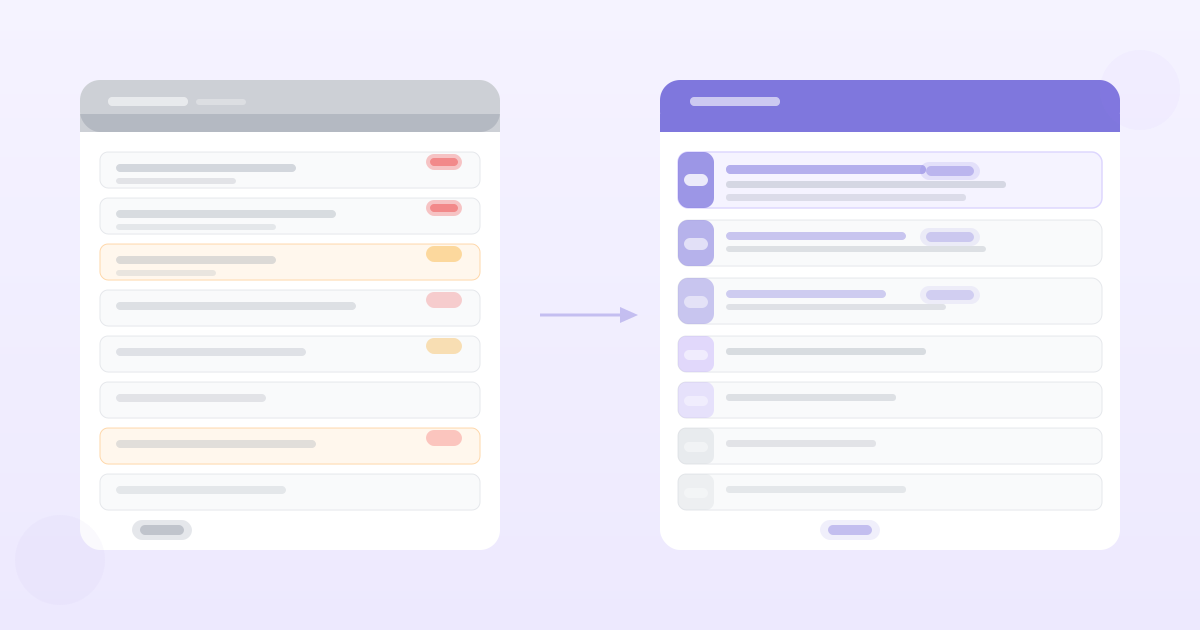
The average sprint retrospective produces three columns on a whiteboard, a list of action items, and no follow-through.
Six weeks later, the same issues surface. The same retrospective happens. The same action items get written. Nothing changes.
A retrospective that doesn't change anything is a ritual, not a tool. Here's how to run one that actually produces decisions.
Two Types of Product Retrospective
Sprint retrospective: A regular cadence (every sprint or every 2 weeks) focused on how the team worked together. Process, communication, tooling, collaboration. This is the classic Agile ceremony.
Product/launch retrospective: A focused review after a significant launch or milestone. How did the feature perform against its goals? What did we learn? What should we do differently next time?
Most teams do the sprint retro reasonably well. Most teams skip the product retrospective entirely — which means they never systematically learn from launches.
Both are valuable. This post focuses on the product retrospective because it's less well-covered and higher leverage for PMs.
The Product Retrospective: Before You Run It
Schedule it before the launch. The 30-day post-launch review should be on the calendar before the feature ships. If you schedule it after launch, you'll be deep in the next feature and the review will get bumped. The retrospective on a launch from six weeks ago is worth a fraction of one that happens on schedule.
Gather the data first. Don't run a retrospective from memory. Before the session, pull:
- Activation rate (what % of target users used the feature?)
- Return rate (what % used it more than once?)
- Impact on the metric it was designed to affect
- Support ticket volume related to the feature
- Any qualitative feedback that came in — interviews, NPS comments, support conversations
The retrospective discussion should be grounded in this data, not in people's impressions of how it went.
Define what "good" would have looked like. Ideally you wrote this down before launch (if you followed the launch checklist). If you did, the retrospective has a clear baseline: did we hit our targets?
The Product Retrospective Format
Keep it to 60 minutes. Longer retrospectives lose focus and produce diminishing returns.
Part 1: Did it work? (20 minutes)
Review the metrics against the targets set before launch.
- Did activation hit the target? Why or why not?
- Did the feature affect the metric it was designed to affect?
- What did support ticket volume look like? What were the most common issues?
This is a factual review, not a blame session. The goal is to understand what happened, not assign responsibility.
Part 2: What did we learn? (20 minutes)
The questions that produce useful retrospective output:
- What surprised us — positively or negatively?
- What did customers do that we didn't expect?
- What assumptions did we make at the PRD stage that turned out to be wrong?
- Were there edge cases we didn't anticipate that caused issues?
The best outputs from this section are specific: "We assumed users would discover the feature from the changelog email, but analytics shows 70% found it from the in-app tooltip — which means our changelog investment is less valuable than we thought for feature discovery."
Part 3: What would we do differently? (20 minutes)
This is where retrospectives typically go wrong. Teams generate a list of "do better" items that are too vague to act on.
The test for a useful action item: could a new person on the team implement this change without asking for more detail?
Vague: "Improve communication with design earlier."
Specific: "Schedule a design kickoff session within 2 days of the PRD being approved — before any wireframes are started."
Every action item from this section needs an owner, a deadline, and a success criterion. If it doesn't have all three, it's a wish, not an action item.
The Sprint Retrospective: Making It Work
For the regular sprint retrospective, the format that works:
Keep it short (45 minutes max). A retrospective that runs 90 minutes every two weeks will become the most dreaded meeting on the calendar.
Rotate facilitation. When the PM always facilitates, the retro skews toward product issues. When engineers facilitate, process issues surface that the PM might not notice. Rotating keeps the conversation balanced.
Limit to three action items. If you generate ten action items, you'll follow up on zero. Three action items with clear owners and clear deadlines beats ten vague commitments every time.
Review last retro's action items first. Before generating new action items, check whether last sprint's items were completed. If they weren't, understand why — either the item was wrong, the owner didn't have capacity, or the process that was supposed to change didn't. Don't generate new items on top of incomplete old ones.
Formats that work:
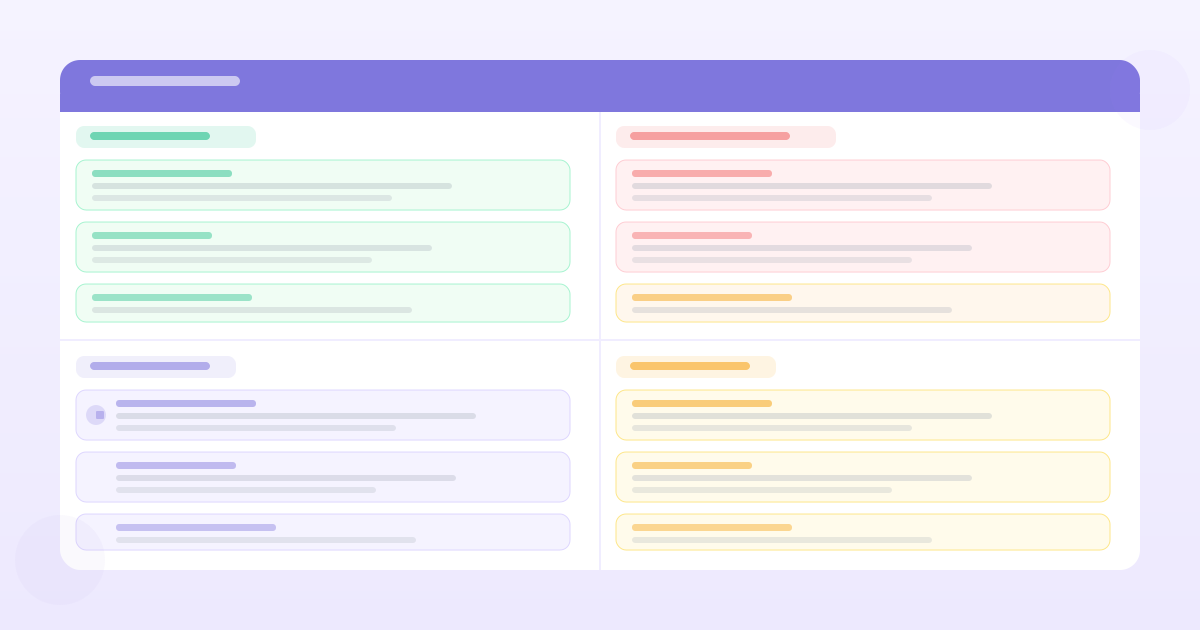
- Start / Stop / Continue — what should we start doing, stop doing, keep doing?
- Glad / Sad / Mad — low friction, gets emotion into the room
- 4Ls: Liked, Learned, Lacked, Longed for — slightly more structured, good for post-launch reviews
Formats that produce theater:
- The "hot air balloon" or "sailboat" metaphor — the metaphor becomes the topic instead of the real issues
- Any format where the output is just a wall of sticky notes with no prioritisation
What Good Retrospective Output Looks Like
A well-run retrospective produces:
- 1A shared understanding of what happened. Not an agreement that everything was fine — an honest account of what worked and what didn't.
- 1Three specific, owned action items. With deadlines. Not "we should improve story templates" but "PM will update the story template in Notion by Friday to include the edge case section that we consistently miss."
- 1An update to a standing process. The best retrospectives don't just produce one-off fixes — they update the team's playbook. "We'll add a design review checklist to our definition of done" is a process change that affects every future sprint.
- 1A connection to the next launch. If you're running a product retrospective, what changed in how you'll approach the next feature? The retrospective on launch N should visibly affect how launch N+1 is prepared.
The test: if you ran the same retrospective format six months from now, would the team be facing the same issues? If yes, the retrospective isn't changing anything structural — it's just clearing the queue for another week.
Use the free Sprint Retrospective Template to run your next product or sprint retrospective.
Want PRDs grounded in your actual customer data?
PMRead ingests your interviews, Slack threads, and feedback files — and generates PRDs backed by real evidence, not guesses.
Try PMRead free →