How to Prompt AI for Better Product Documentation

The gap between a useful AI-generated product document and a generic, fill-in-the-blanks one almost always comes down to the prompt. Most PMs who are frustrated with AI for product docs are using prompts that are too short, too vague, or missing the context the model needs to do useful work.
This guide covers practical prompting techniques specifically for product documentation — PRDs, user stories, acceptance criteria, and product specs.
The Core Problem With Vague Prompts
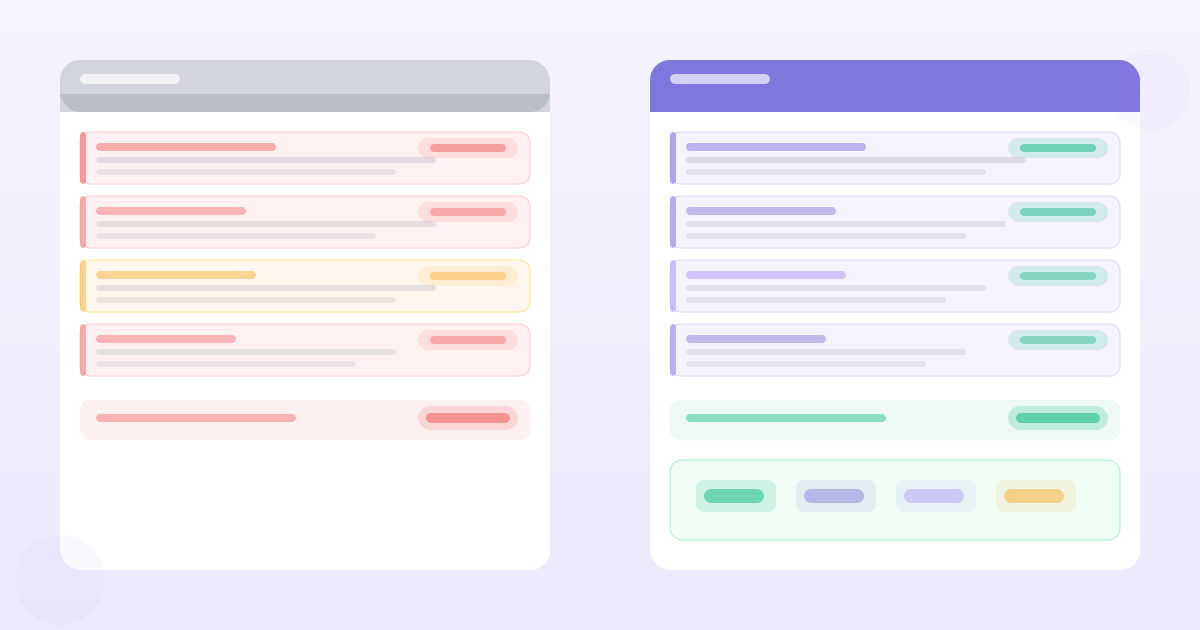
When you give a model minimal context, it fills the gaps with plausible generics. "Write a PRD for a search feature" produces a document about search features in the abstract — sensible structure, useless content.
The model doesn't know:
- Who your users are and what they're trying to do
- What constraints your engineering team has flagged
- What you've already tried or ruled out
- What makes this problem urgent now
- What your success criteria look like in your specific context
Every piece of context you add moves the output from generic to specific.
Technique 1: The Context Block
Start every product doc prompt with a context block that front-loads the information the model needs. Structure it like a briefing, not a question.
## Context
Product: [1-sentence description]
User segment: [who is affected by this]
Problem: [what's broken or missing, with any evidence you have]
Constraints: [technical limits, timeline, out-of-scope items]
Prior work: [anything that's been tried or ruled out]

## Task
[what you want AI to produce]
The context block should be 100–200 words. Don't be terse — every detail you add narrows the model's guessing space and makes the output more specific to your situation.
Technique 2: Evidence Injection
For any requirement-level document (PRD, user stories, acceptance criteria), include your actual customer evidence before asking the model to write.
## Customer evidence
The following are verbatim quotes from user interviews conducted in Q1:

- "[Quote 1]" — enterprise user, financial services
- "[Quote 2]" — SMB user, e-commerce
- "[Quote 3]" — power user, 2+ years on platform

Based on these, write user stories for [feature area].
Evidence injection is the single highest-leverage prompting technique for product docs. It's what separates AI output grounded in your actual users from AI output grounded in generic assumptions.
The evidence doesn't have to be perfectly formatted. A pasted block of interview notes works. The model is good at extracting signal from messy text.
Technique 3: Specify the Output Format
Default AI output for product docs tends toward verbose prose with loose structure. Most PMs want something more specific. Tell the model exactly what format you need.
Write user stories in the following format:
- Title: [5-7 word summary]
- Story: As a [user type], I want [action] so that [outcome]
- Acceptance criteria: [numbered list, maximum 6 items]
- Edge cases: [bullet list]

Do not include any explanatory text outside these sections.
Explicit format instructions cut the preamble ("Sure! Here are the user stories for your search feature...") and produce output you can paste directly into your backlog tool.
Technique 4: Persona Specification
Telling the model what role to play produces better output than asking it to write as itself.
You are a senior product manager at a B2B SaaS company writing a PRD for an engineering team. You write with precision, avoid jargon, and include only requirements that are actionable. You flag open questions rather than making assumptions.Persona specification works because it implicitly constrains the writing style, the level of technical detail, and the conventions the model uses. "Senior PM at a B2B company" triggers different conventions than "general AI assistant."
Technique 5: Constraint Negation
Telling the model what not to do is often as important as telling it what to do. Useful negations for product docs:
Do not:
- Include generic metrics like DAU, MAU, or session duration
- Add requirements without a clear user need behind them
- Include implementation details or technical specifications
- Write more than 3 acceptance criteria per user story
- Use placeholder examples — if you don't have a specific example, note it as [TBD]
Without constraint negation, AI tends to pad. Acceptance criteria lists grow to 10 items when 4 would be enough. Metrics sections include every possible measurement. Requirements include things that sound sensible but have no backing evidence.
Technique 6: Chain of Thought for Complex Problems
For ambiguous or technically complex requirements, asking the model to reason through the problem before writing produces better output than asking it to write directly.
Before writing requirements for [feature], first:
1. List what you understand the core user problem to be
2. Identify any ambiguities that need resolving
3. Note what assumptions you're making
4. Then write the requirements

Format the reasoning separately from the requirements.
The pre-writing reasoning step forces the model to surface its assumptions before it starts writing. This gives you a chance to correct a wrong assumption before it propagates through the entire requirements list.
Technique 7: Iterative Prompting
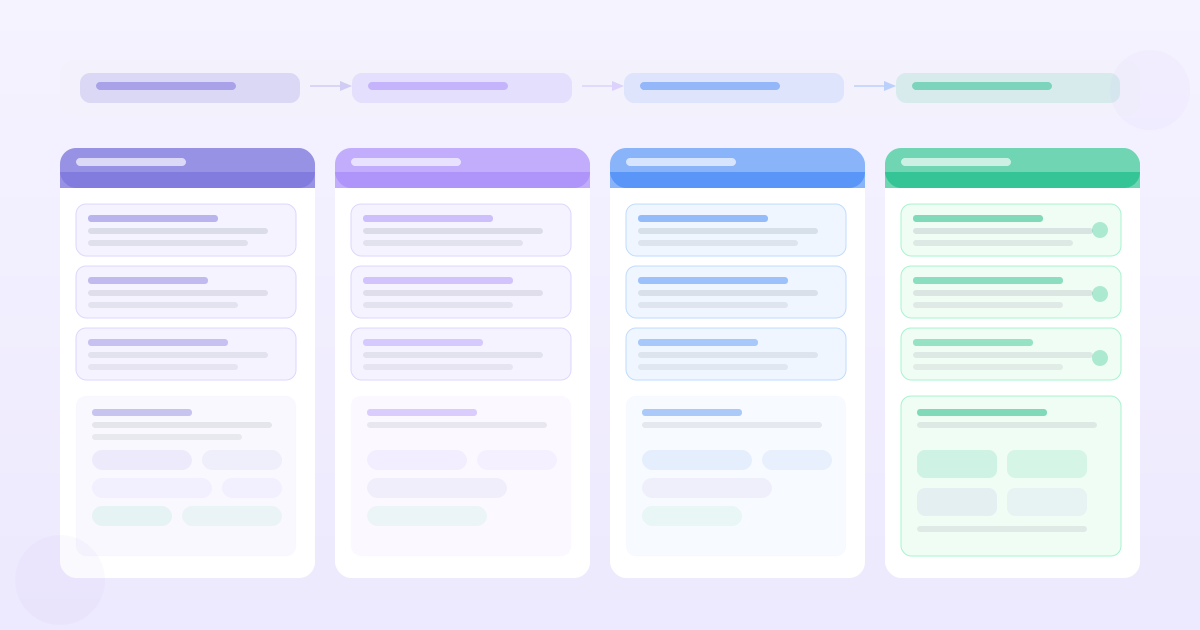
Don't try to get the perfect document in one prompt. Write it in layers:
Layer 1: "Given this problem and evidence, write the background and problem statement section only."
Layer 2: "Now write the user stories section, using the problem statement above as context."
Layer 3: "For each user story, write the acceptance criteria."
Layer 4: "Review all of the above and identify any requirements that conflict with each other or with the stated constraints."
Iterative prompting lets you review and correct each section before it becomes the context for the next one. A wrong assumption in the problem statement propagates; catching it before the user stories are written saves significant rework.
Prompts for Common PM Scenarios
PRD from research notes
I'm a PM writing a PRD for [feature]. Below are my research notes from user interviews. Extract the key user needs, then write a structured PRD with: problem statement, user stories (max 5), acceptance criteria (max 4 per story), and open questions.

[paste research notes]
Acceptance criteria for a given user story
Write acceptance criteria for this user story:
"As a [user], I want [action] so that [outcome]"

Include:
- Happy path (1–2 criteria)
- Error/edge cases (2–3 criteria)
- Empty/initial state (1 criterion)

Use Gherkin format: Given / When / Then
Converting feature requests to user stories
Convert these feature requests into properly structured user stories. For each, identify the underlying user need rather than the literal request. Flag any requests that are solutions looking for a problem.

Feature requests:
[list]
PRD review and gap analysis
Review this PRD and identify:
1. Requirements that are ambiguous or could be interpreted multiple ways
2. Missing edge cases or error states
3. Requirements without a clear success metric
4. Internal contradictions

[paste PRD]
When Prompting Isn't the Solution
If you've tried detailed prompting and the output is still not useful, the problem may not be the prompt. It may be that:
The problem isn't well-understood enough to specify. If you can't describe the user, the evidence, and the constraints clearly, AI will fill with generics. The solution is more research, not better prompting.
The task requires product judgment. Prompting helps with structured, pattern-heavy work. It doesn't help you decide which of three competing approaches to take or what to cut when capacity is constrained. These require judgment that no prompt unlocks.
You need a specialised tool. General LLMs with good prompts still lack memory, traceability, and domain structure. For high-stakes product docs, purpose-built tools that integrate with your evidence base will consistently outperform even well-crafted prompts to a general model.
Good prompting is a skill, not a trick. The underlying principle is always the same: reduce the model's need to guess. The more context, evidence, and constraints you provide, the less the model has to invent — and the more useful the output becomes.
Want PRDs grounded in your actual customer data?
PMRead ingests your interviews, Slack threads, and feedback files — and generates PRDs backed by real evidence, not guesses.
Try PMRead free →