From Transcript to PRD: How AI Saves PMs 6 Hours a Week

The gap between a user interview and a shipped feature is usually weeks or months of informal translation — notes that sit unread, insights that live in someone's head, requirements that get written from memory long after the research was done.
AI can close that gap. This guide walks through a concrete workflow for turning customer transcripts and feedback into PRD requirements — and where the actual time savings come from.
Where the Hours Go
Six hours a week is a specific claim, so it's worth being precise about where that time currently disappears.
A PM doing customer research and translating it into requirements typically spends time on:
- Reviewing transcripts: Reading or re-reading interview notes, survey responses, support tickets — 2–3 hours
- Identifying themes: Manually grouping feedback by topic, counting frequency — 1–2 hours
- Writing the opportunity framing: Translating themes into a problem statement — 30–60 minutes
- Writing requirements: Drafting user stories and acceptance criteria — 2–4 hours
- Formatting and review: Cleaning up the document, checking for gaps — 1 hour
Total: 7–11 hours from raw research to first-draft PRD. With AI assistance, the realistic number drops to 1.5–3 hours. The savings come almost entirely from the synthesis and first-draft steps.
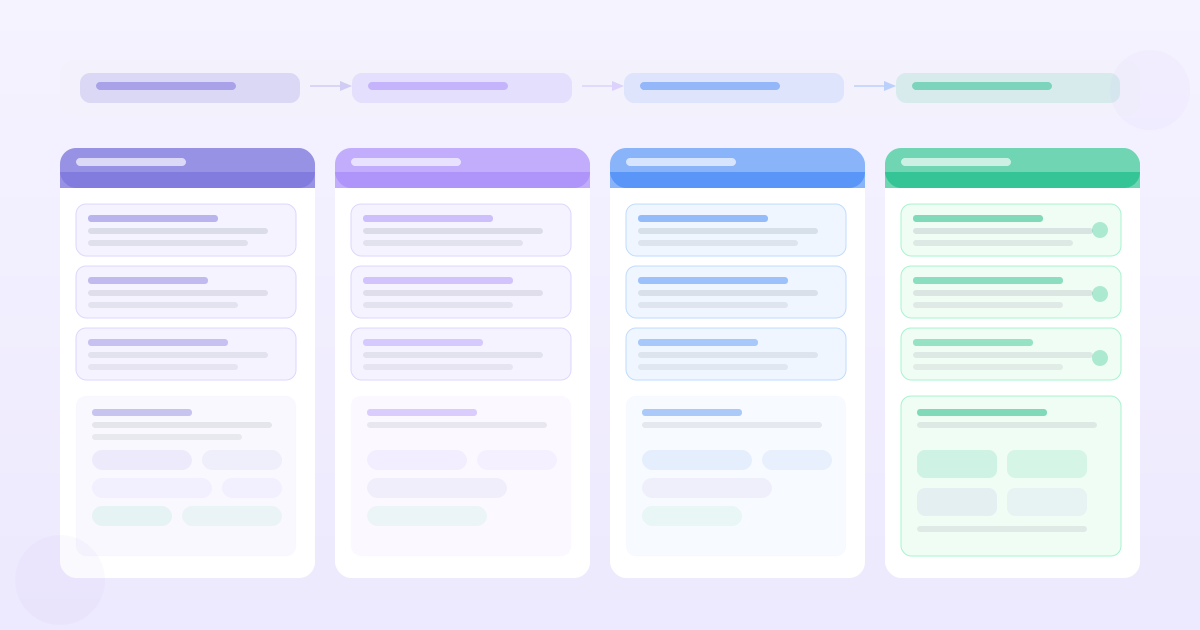
The Workflow: Transcript to PRD in Four Steps
Step 1: Collect and clean your inputs
Before AI touches anything, your inputs need to be in a usable state.
What to include:
- Interview transcripts (verbatim or clean summaries — verbatim is better)
- Survey open-ends relevant to the problem you're solving
- Support ticket descriptions for the relevant feature area
- Any Slack threads where users discussed the problem
What to exclude:
- Feedback from users outside your target segment for this feature
- Old transcripts (more than 6 months) unless the problem has been persistent
- Feedback about unrelated features that would muddy the analysis
Quick cleaning tasks:
- Label each piece of feedback with the user segment (if you have multiple)
- Remove obviously off-topic content
- For transcripts, clean up filler words if they'll confuse the analysis
This takes 15–20 minutes and significantly improves output quality.
Step 2: AI synthesis pass
Feed your cleaned inputs to a feedback analysis tool or to a general LLM with a structured prompt.
What you're asking for at this stage:
- The top themes that appear across the feedback
- The most common pain points (specific, concrete friction)
- Explicit feature requests
- Representative quotes for each theme
The output of this step is not insights — it's structured evidence. You're converting unstructured text into a categorised, quotable reference.
With a purpose-built tool like PMRead, this step takes 2–5 minutes. With a general LLM, it takes slightly longer because you're writing the prompt and the output format isn't pre-structured.
Step 3: Opportunity framing (human step)
Before generating requirements, write the opportunity statement yourself. This is the non-automatable step that anchors everything else.
A good opportunity statement answers three questions:
- What is the user problem? (specific, tied to evidence)
- Who has it? (segment, frequency)
- What would change if it were solved? (the outcome, not the feature)
AI can draft this from your synthesis output, but you need to validate it. The opportunity statement is where your strategic judgment about what's worth solving enters the workflow. AI doesn't have that context.
Five minutes of human writing here prevents hours of rework downstream.
Step 4: AI PRD generation
With your evidence and opportunity statement ready, generate the PRD.
The prompt structure that produces the most useful output:
I'm writing a PRD for [feature area].

Problem: [your opportunity statement]

Customer evidence:
[paste top 5-8 quotes from your synthesis]

Constraints:
[any technical, timeline, or scope constraints]

Generate:
1. Background (2-3 sentences)
2. User stories (3-5, in "As a [user] I want [action] so that [outcome]" format)
3. Acceptance criteria (Given/When/Then format, max 4 per story)
4. Open questions (list what you don't yet know)

Do not include success metrics — I'll write those separately.
The explicit instruction to exclude success metrics is important. AI generates generic metrics that rarely match your actual measurement framework. Write those yourself after the PRD structure is in place.
Reviewing the Output
The AI PRD draft will be structurally complete but requires a specific review pass. Review for:
Accuracy — Do the user stories reflect what your research actually showed? AI sometimes inverts the nuance. "Users want faster search" and "users want more accurate search results" are not the same requirement even if both themes appear in the data.
Hallucinated specifics — AI will sometimes invent specific details: response time thresholds, user counts, technical constraints. Treat all numbers as placeholders.
Missing edge cases — AI covers common cases well. Unusual user types, degraded states (offline mode, slow connection), and permission edge cases often need to be added manually.
Scope creep — AI is inclusive by default. You'll often find requirements for features that are out of scope or premature. Delete them rather than leaving them "for future consideration" — they create confusion.
Expect to spend 30–45 minutes on this review. Budget less and you'll ship requirements that engineering will push back on.
Where This Workflow Actually Saves Time
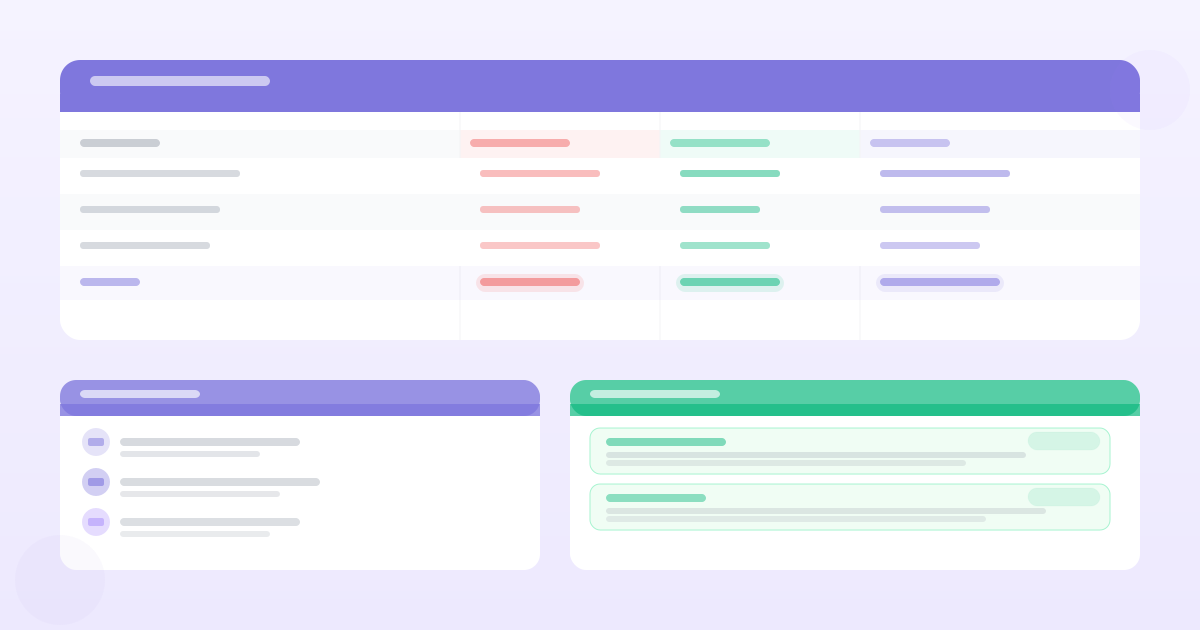
| Task | Before AI | After AI | Saving |
|---|---|---|---|
| Transcript review | 2–3 hours | 20 minutes | ~2 hours |
| Theme identification | 1–2 hours | 5 minutes | ~1.5 hours |
| Opportunity framing | 30–45 min | 15 minutes | 15–30 min |
| PRD first draft | 2–4 hours | 30 minutes | 1.5–3 hours |
| Review and editing | 1 hour | 45 minutes | 15 min |
| Total | 7–10.5 hours | 1.75–2.5 hours | ~6 hours |
The biggest savings are in transcript review and PRD drafting. The review and editing step doesn't compress as much because human judgment is still required — it just starts from a better baseline.
The Quality Question
Saving time only matters if the output quality is at least as good. The honest assessment:
Where AI-assisted PRDs are better: More complete (catches edge cases), more consistent in structure, more thoroughly connected to evidence (when you've done the inputs right).
Where they're the same: Background and problem framing, once you've validated the opportunity statement.
Where they're sometimes worse: Metrics (AI defaults to generic), prioritisation (AI doesn't know your strategic context), open questions (AI invents plausible-sounding ones rather than flagging actual unknowns).
The net result, for a PM who does the review step properly: a first-draft PRD that's higher quality than an unassisted draft produced under time pressure, in a fraction of the time.
The Traceability Benefit
One underrated benefit of using an AI tool that ingests your research before generating requirements: traceability.
When each requirement links back to a specific customer quote, the PRD answers the question "why are we building this?" at the most granular level. Engineering can read the requirement and the backing evidence together. Stakeholders can challenge a requirement by engaging with the evidence, not just the PM's assertion.
This is what separates an evidence-backed PRD from a requirements document that someone wrote from memory. The time savings are real; the trust benefit from traceability may matter more in the long run.
The workflow is: collect evidence → AI synthesis → human opportunity framing → AI PRD draft → human review. The AI handles the mechanical compression; the human handles the strategic judgment. Six hours becomes two, and the output is more trustworthy because it's grounded in actual customer data rather than the PM's memory of a conversation from three weeks ago.
Want PRDs grounded in your actual customer data?
PMRead ingests your interviews, Slack threads, and feedback files — and generates PRDs backed by real evidence, not guesses.
Try PMRead free →